Why I Replaced Rack Servers With a ZimaCube 2
The ZimaCube 2 combines storage, Docker hosting, ZFS, quiet operation, power efficiency, and future expandability into a compact all-in-one homelab platform. Built for self-hosting, containers, networking, automation, and local AI workloads without unnecessary complexity.

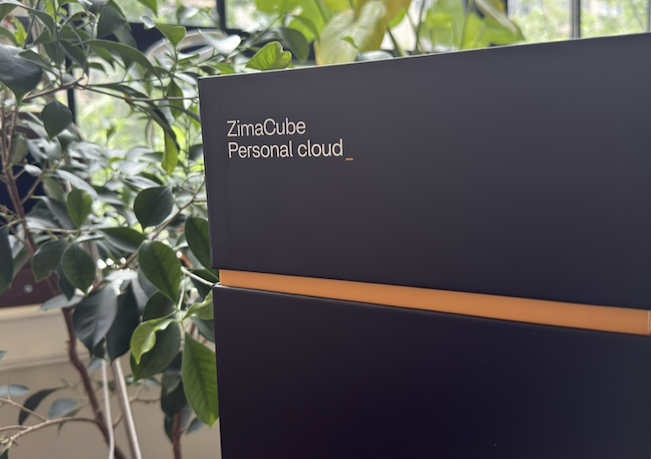
When I was accepted into the ZimaCube 2 Pioneer Program, I immediately knew this was the kind of device I had been looking for years.
Not just another mini PC.
Not just another NAS.
Not just another homelab box.
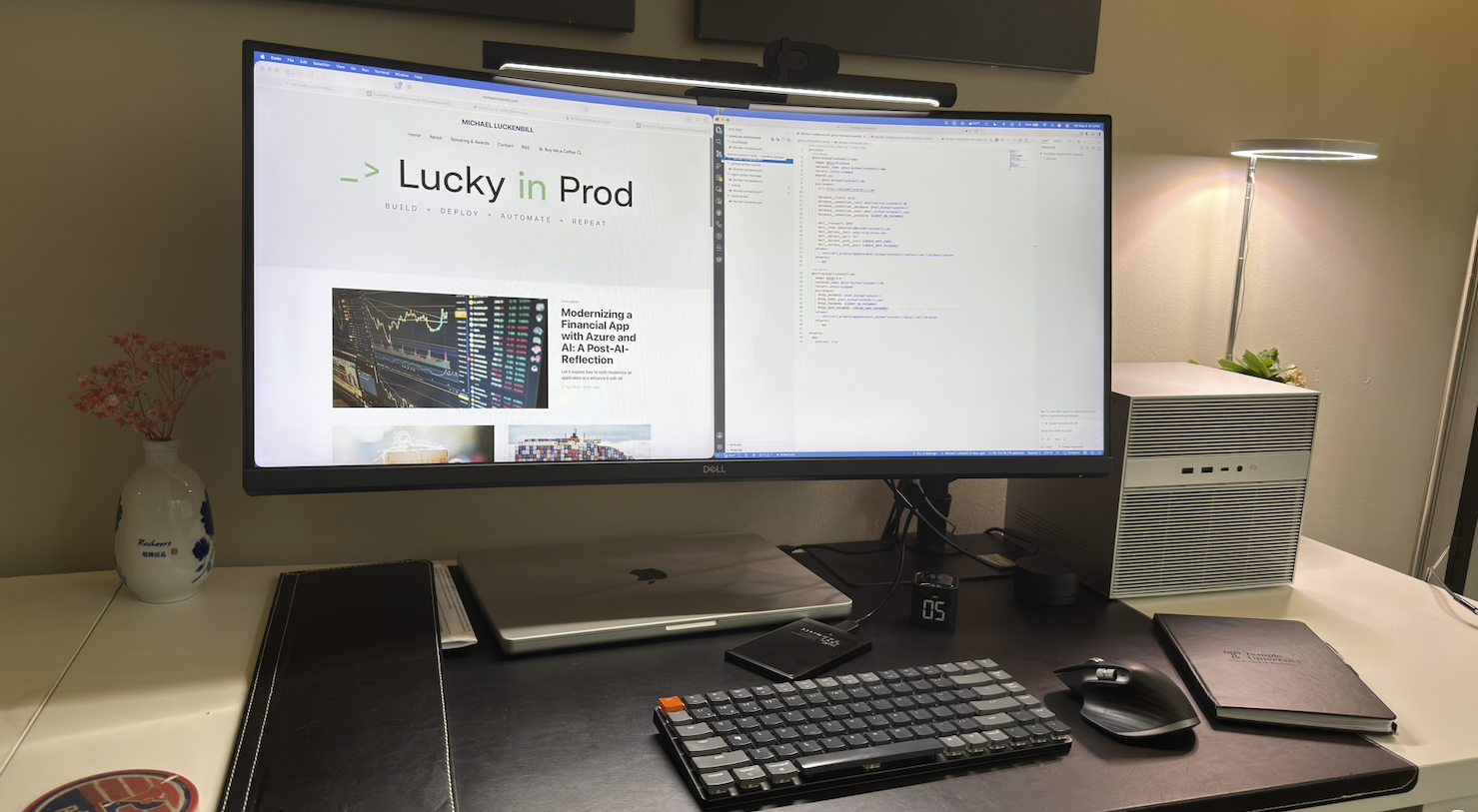
What I wanted was a true all-in-one infrastructure platform:
- compact
- quiet
- power efficient
- repairable
- expandable
After spending time with the device, I can honestly say the ZimaCube 2 feels like one of the most thoughtfully designed homelab systems I’ve used.
Pioneer Program: Why I Applied
I applied to the ZimaCube 2 Pioneer Program because I wanted to build something new on hardware that finally matched the type of device I had always wanted.
For years, my homelab was built from compromises:
- rack servers that were powerful but loud and inefficient
- full tower servers that were massive but aging
- mini PCs that were quiet but limited
- external DAS storage that worked but never felt fully integrated
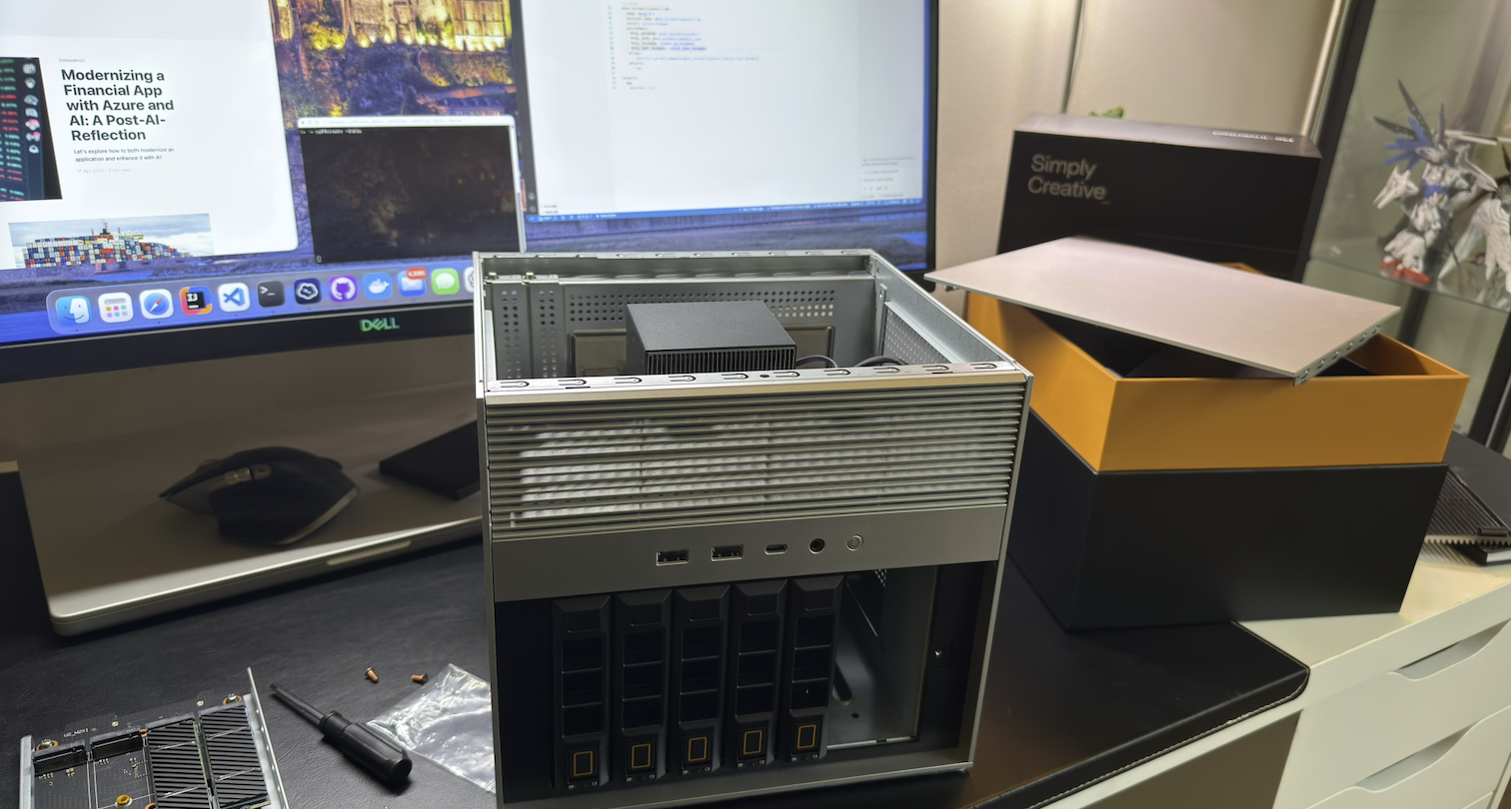
The ZimaCube 2 felt different because it brought together the things I wanted in one system:
- NVMe storage
- hard drive bays
- PCIe expansion
- standard replaceable components
- quiet operation
- compact size
- strong build quality
- flexibility for storage, Docker, CI/CD, backups, and local AI experimentation
That combination is rare.
I was not looking for another gadget. I was looking for a foundation.
Small Enough to Live With
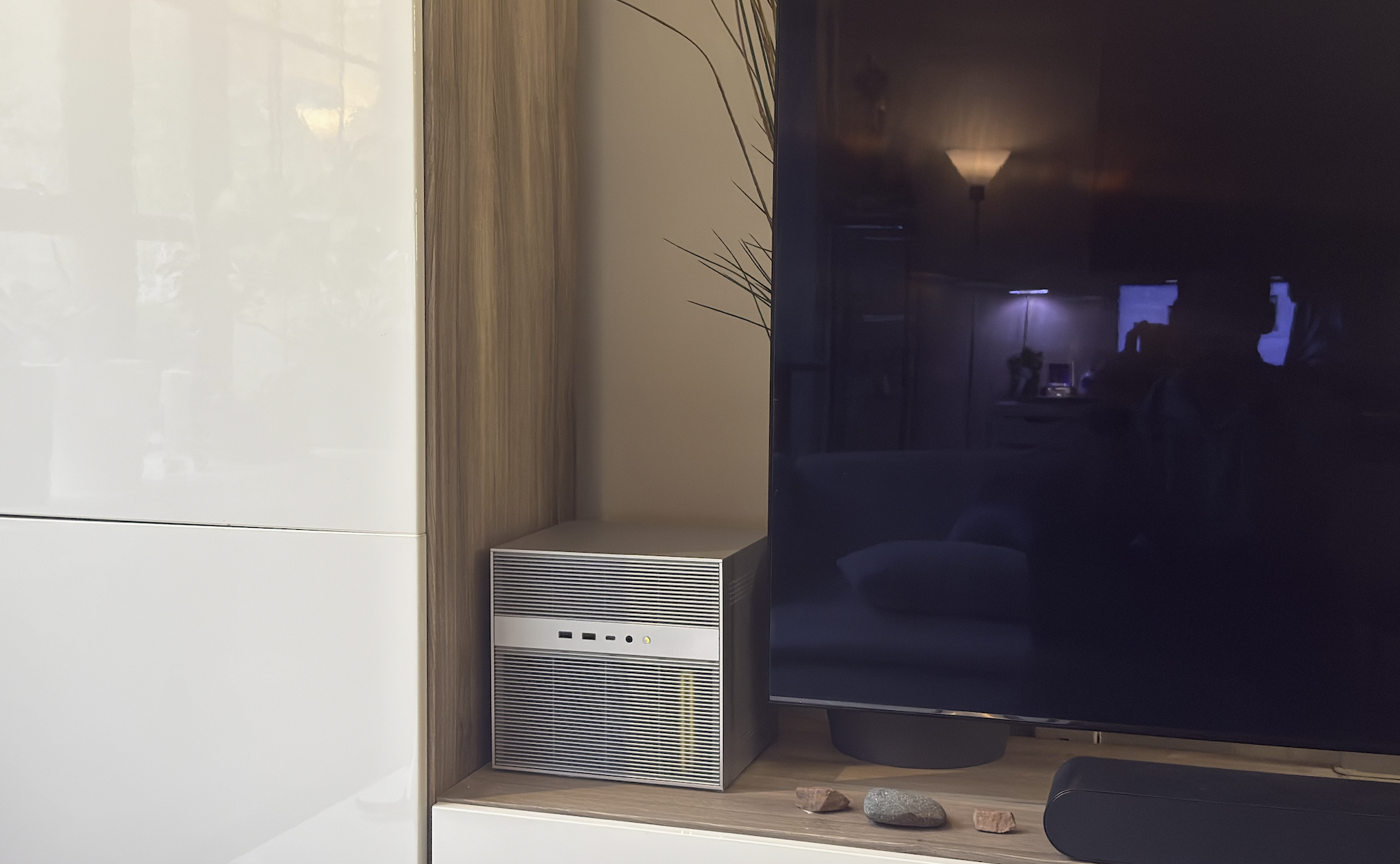
One of the most practical things about the ZimaCube 2 is its size.
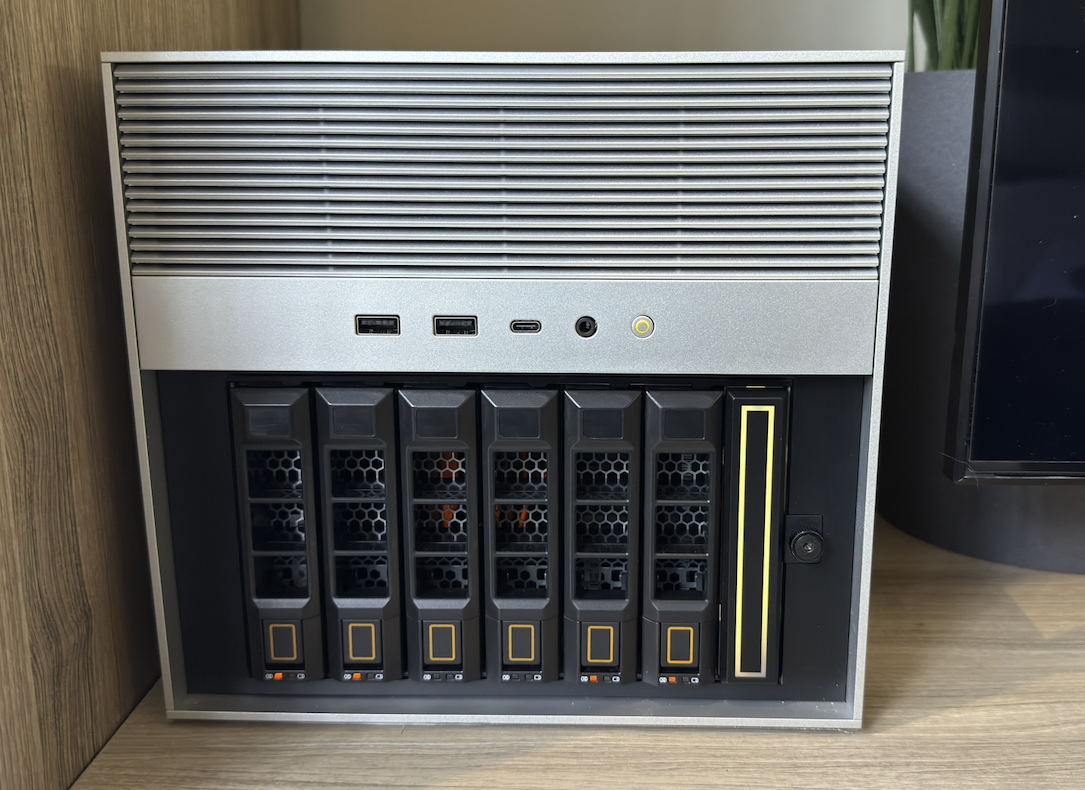
This is not a rack server that needs a basement, closet, or dedicated lab space. It is small and clean enough that I can place it next to my TV on my entertainment cabinet without it looking out of place.
That matters.
A good home lab device should not dominate the room. It should quietly do its job.
The ZimaCube 2 has the right balance:
- clean industrial design
- quiet 24/7 operation
- enough power for real infrastructure workloads
That makes it much easier to live with than the older equipment I used before.
My Previous Setups
Like many people in self-hosting and home lab communities, my infrastructure evolved over time.
I originally ran Dell PowerEdge servers.
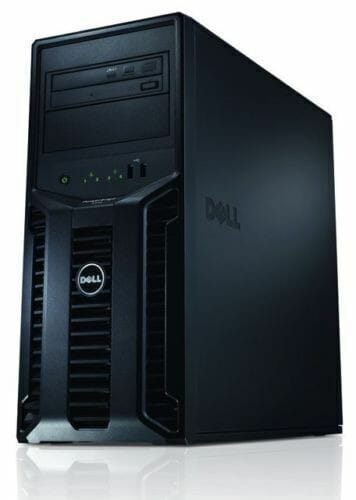
Those systems were powerful, but they came with tradeoffs:
- noise
- heat
- power consumption
- physical size
- operational overhead
Eventually I downsized to an ASUS PN50 mini PC paired with a DAS enclosure.
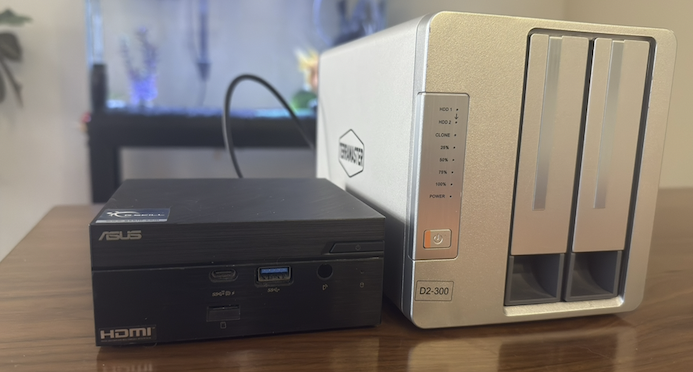
That setup worked surprisingly well for a while, especially for:
- Docker
- lightweight services
- media storage
- self-hosting projects
But over time, the limitations became more obvious. The biggest issue was storage architecture.
Because the DAS was connected over USB:
- storage flexibility was limited
- expansion felt constrained
- RAID options were limited
- advanced filesystem features became harder to justify
- the setup never truly felt integrated
I also found myself operationally constrained. The PN50 was a good mini PC, but it never fully became:
a complete infrastructure platform.
What I Wanted
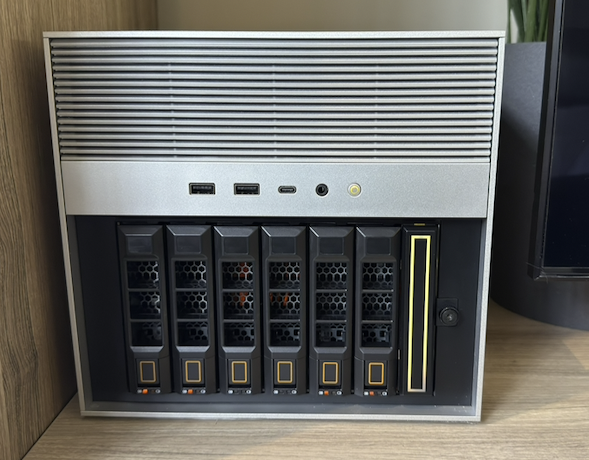
Modern self-hosting increasingly requires balancing:
- storage
- containers
- networking
- backups
- automation
- AI experimentation
I wanted a system that could:
- support NVMe storage properly
- support traditional hard drives
- run ZFS cleanly
- support Docker and virtualization
- allow future GPU expansion
- remain power efficient
- stay quiet enough for 24/7 operation
- use standard replaceable components
- reduce my overall technology footprint
- support local AI experimentation and inference
The ZimaCube 2 checked every one of those boxes.
First Impressions
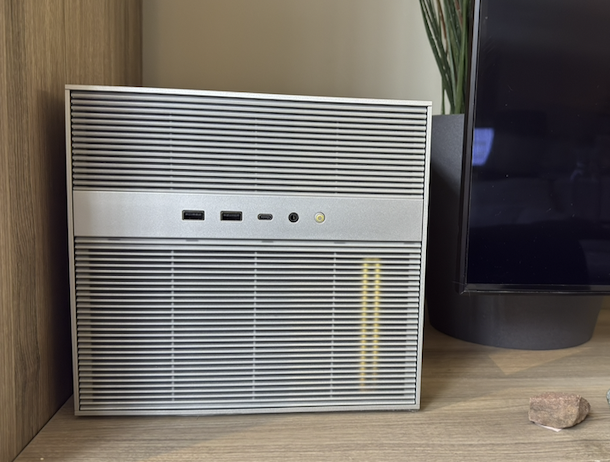
The first thing that stood out was the construction quality.
Most consumer devices in the United States are heavily plastic-based. The ZimaCube 2 immediately felt different. It feels closer to professional infrastructure equipment than a typical consumer NAS.
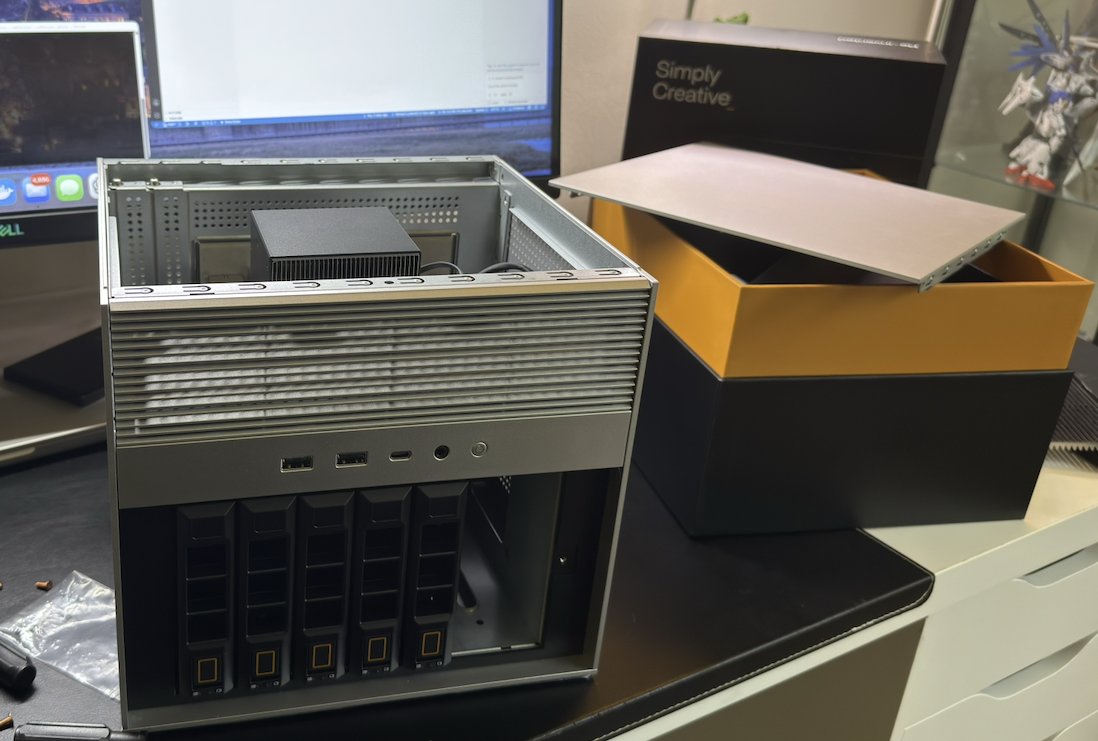
Even small details stood out in the way they provided tools and heatsinks for me. Also the internal layout, drive accessibility and airflow design all made sense for the device.
The overall experience felt intentional.
Thermal Performance and 24/7 Operation
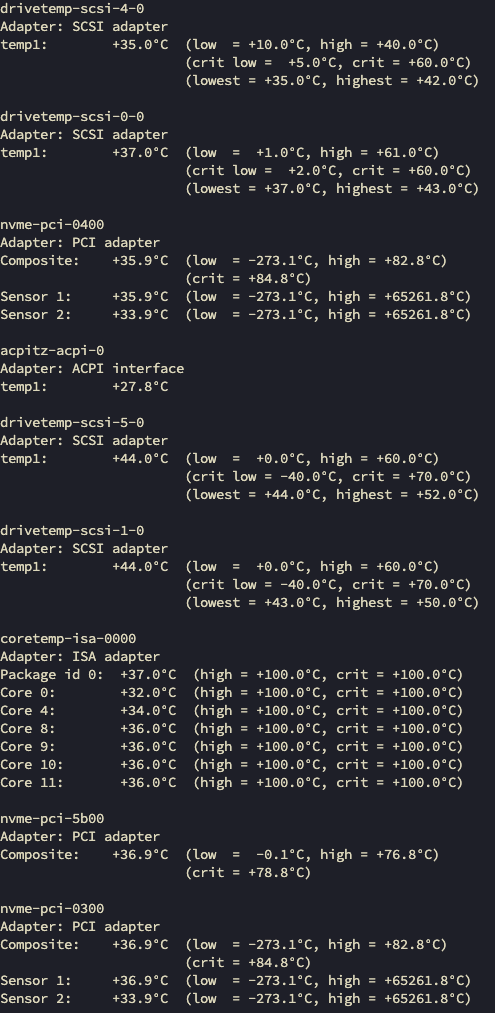
One of the most impressive parts of the ZimaCube 2 has been thermal performance.
Even while running:
- Docker containers
- storage pools
- reverse proxies
- monitoring services
- CI/CD infrastructure
- self-hosted applications
the system has remained both quiet and cool during continuous operation.
Current Operating Temperatures
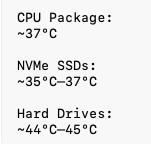
For a compact always-on infrastructure device, these are excellent temperatures.
The system appears to benefit heavily from the following: solid metal chassis, airflow design, included NVMe heatsinks and the internal component layout.
For all my workloads the ZimaCube 2 handled everything surprisingly well while remaining extremely quiet.
Compared to the older rack servers I previously used, the difference in heat, power usage, noise and physical footprint is substantial.
This is one of the first systems I’ve owned that feels practical to run 24/7 in a normal living space while still functioning as a serious infrastructure platform.
Hardware Configuration
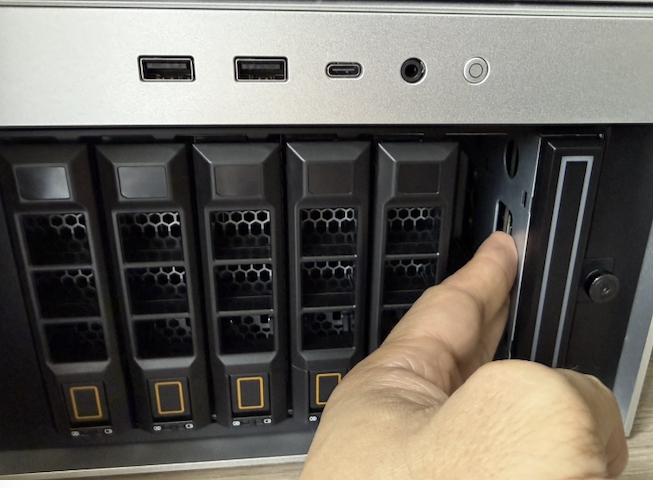
Bulk Storage Pool
3 x 6TB HDD
- 2 drives in RAID 1
- 1 drive dedicated for local backup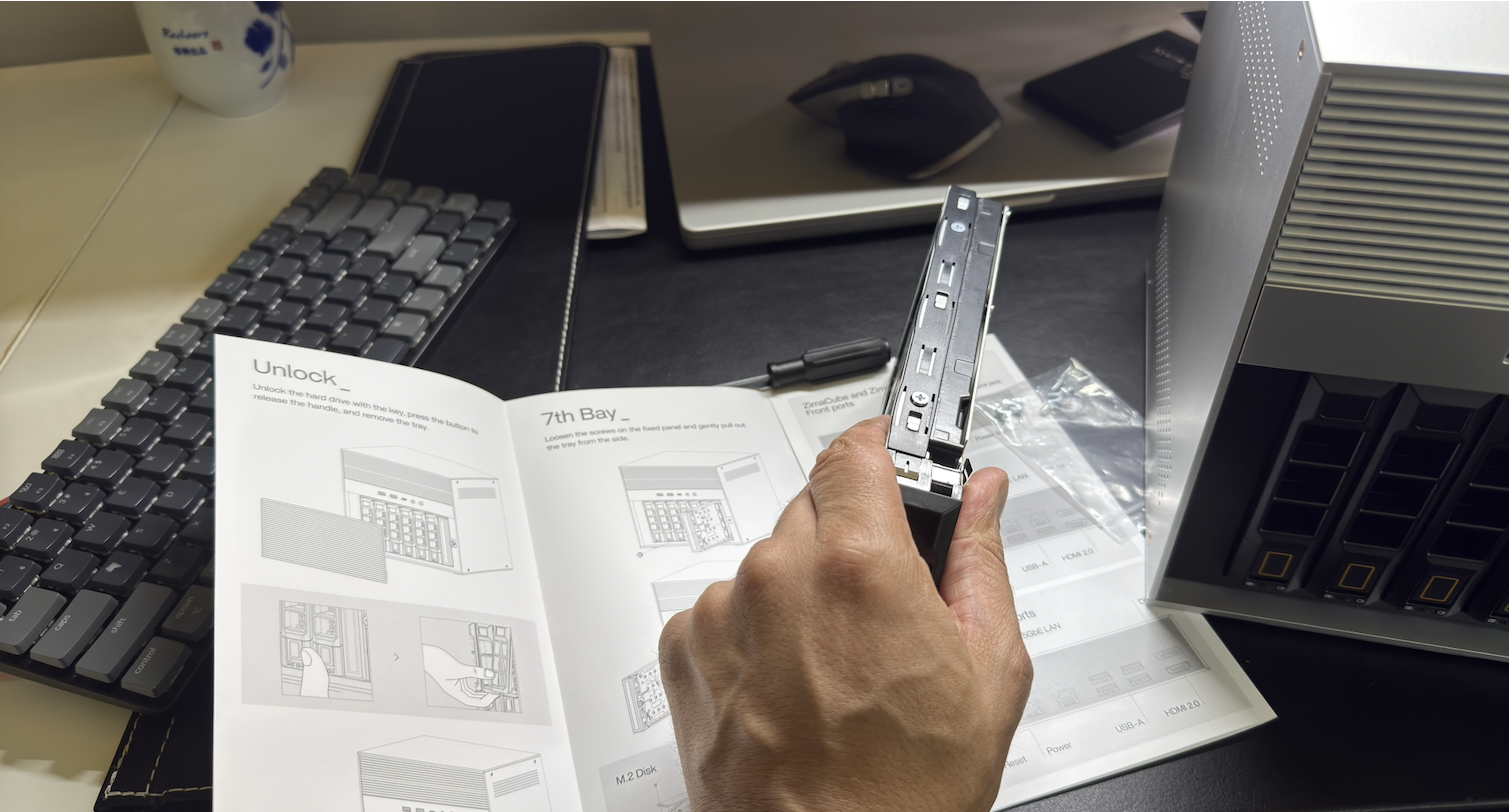
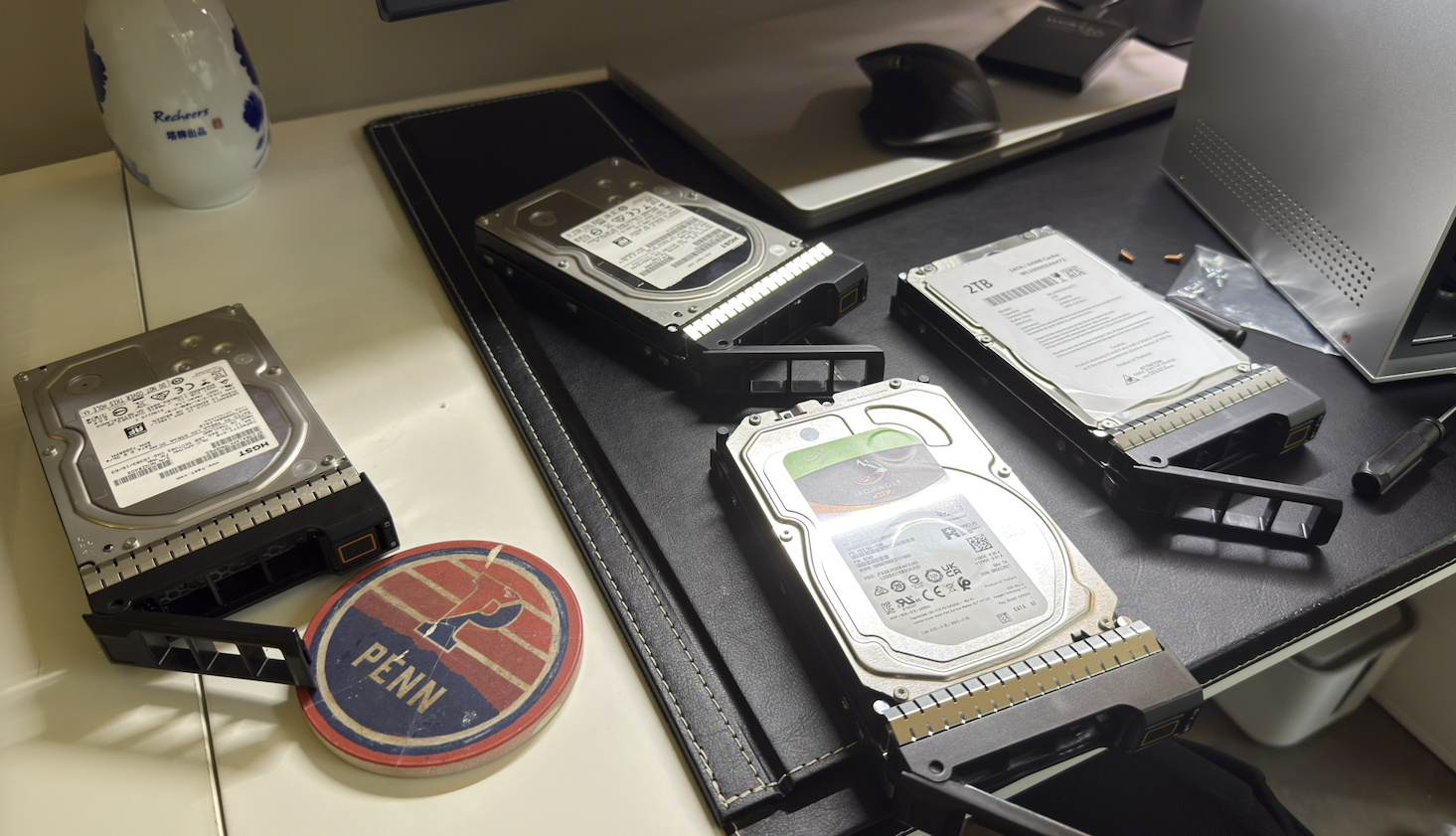
This pool handles:
- bulk storage
- media
- backups
- long-term datasets
Fast Storage Pool
- 2 x 512GB NVMe in RAID1
- 1 2TB dedicated for local backup
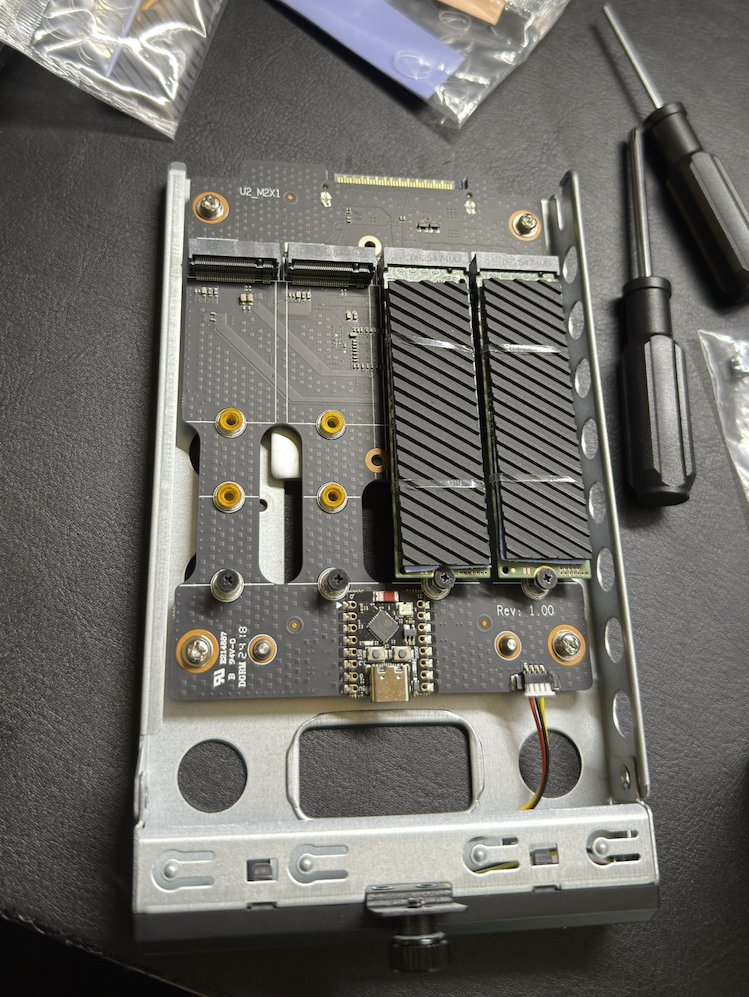
This pool handles:
- Docker containers
- virtual machines
- application storage
- infrastructure services
This became the primary high-speed operational storage layer.
Current Infrastructure Stack
The ZimaCube 2 is now becoming the center of my self-hosted infrastructure.
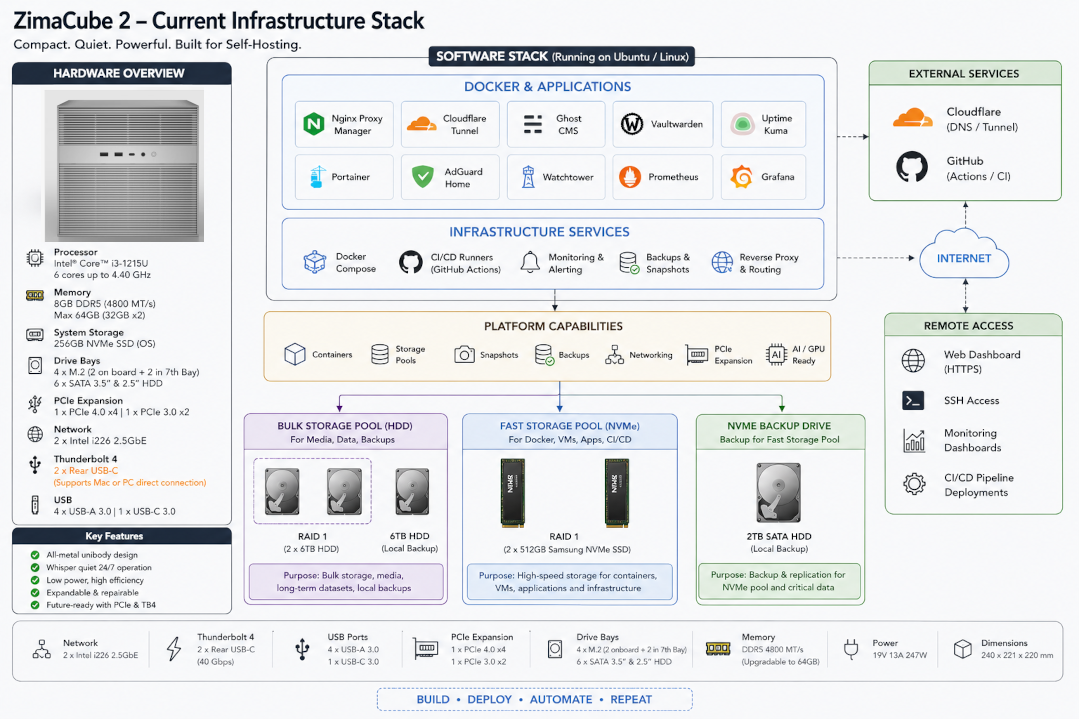
Current workloads include:
- Docker Compose services
- Nginx Proxy Manager
- Cloudflare Tunnel
- Ghost CMS
- Vaultwarden
- Uptime Kuma
- GitHub Actions self-hosted runners
- local backups
- monitoring tools
- storage pools
Current operational workloads include:
- 10+ Docker containers
- CI/CD deployment pipelines
- reverse proxy infrastructure
- encrypted cloud tunnels
- monitoring services
- self-hosted websites
- local backup workflows
One of the most important use cases for me is Docker-based CI/CD.
GitHub Actions runners build and deploy my Docker containers directly into my self-hosted environment. The ZimaCube 2 gives me a cleaner platform for that workflow because storage, networking, Docker, reverse proxying, and automation are all running on one centralized system.
BUILD • DEPLOY • AUTOMATE • REPEATThis is exactly the type of workflow I wanted this machine for.
RAM Testing
8GB DDR5 SODIMM RAMInstead of immediately upgrading it, I intentionally decided to test:
how far the stock configuration could realistically go.
So far, it has performed far better than expected for:
- Docker workloads
- reverse proxies
- Cloudflare tunnels
- monitoring
- self-hosted infrastructure
- storage services
That says a lot about both the efficiency of modern Linux/container workloads and the platform too.
I still plan to expand memory later, but the stock experience was surprisingly capable.
Internal Expandability
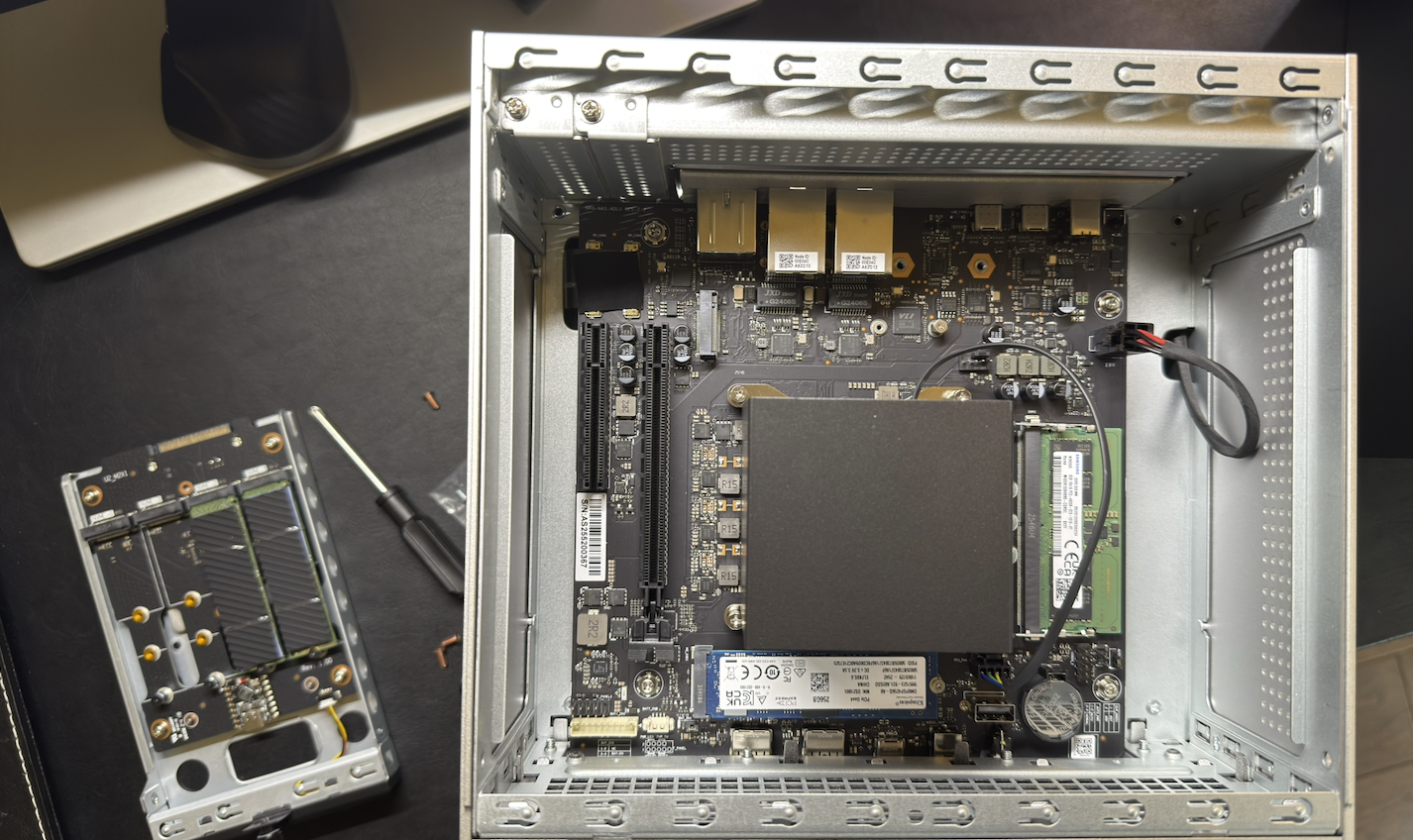
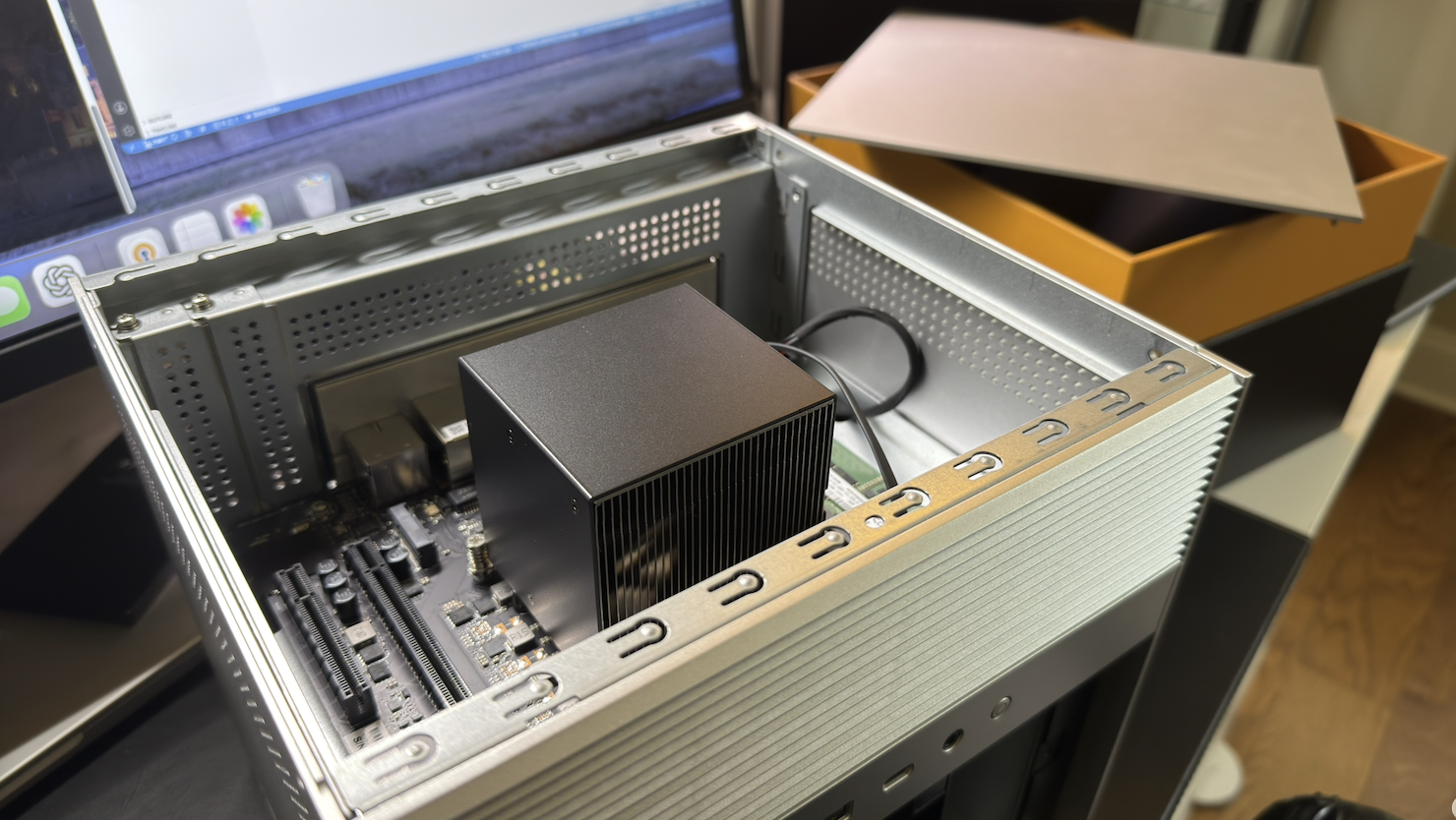
When I opened the system, I discovered:
- a 256GB Kingston NVMe drive for the OS
- an additional unused NVMe slot on the motherboard
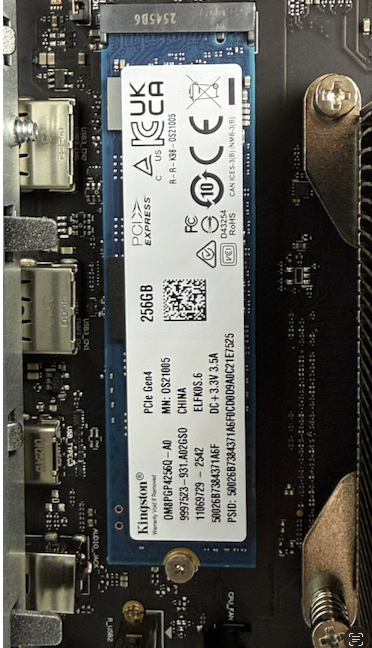
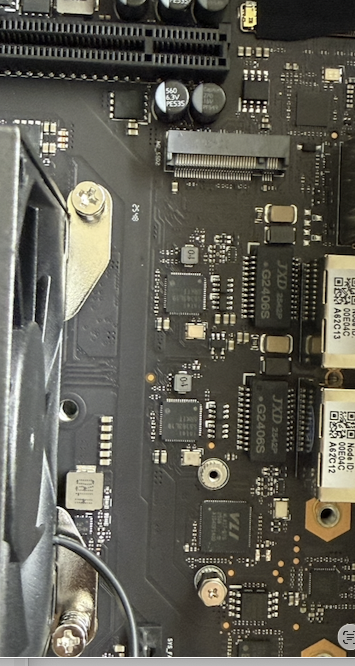
That immediately opened future possibilities:
- mirrored OS drives
- dedicated Docker scratch/build storage
- separate VM storage pools
- caching layers
- future expansion without external hardware
This is one of the biggest strengths of the system:
it grows with your infrastructure needs.
PCIe Expansion and Local AI
Another major reason I was excited about the ZimaCube 2 was PCIe expansion.
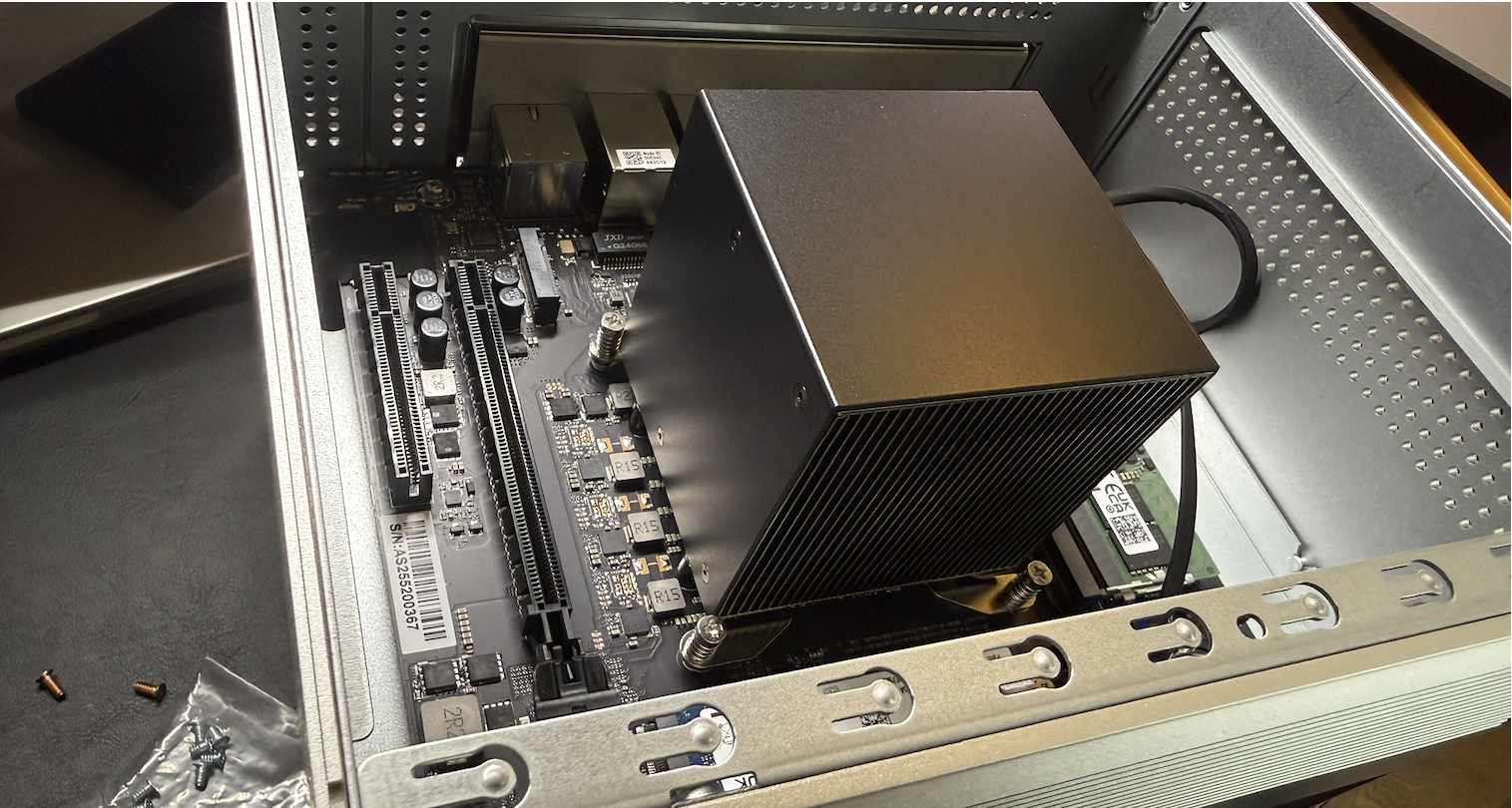
The ability to add:
- GPUs
- AI accelerators
- additional storage cards
- networking cards
changes what this device can become over time.
One of my long-term goals is running more AI workloads locally.
The ZimaCube 2 gives me a platform where I can experiment with:
- Ollama
- local LLMs
- AI-assisted development
- image analysis
- inference workloads
- self-hosted AI tooling
without relying entirely on cloud infrastructure.
That flexibility matters because modern homelabs increasingly overlap with:
- AI workloads
- local inference
- media transcoding
- container orchestration
- edge computing
The platform feels designed with that future in mind.
Even before adding a dedicated GPU, the system already provides a strong foundation for experimentation and learning.
Networking
The system includes:
Dual 2.5Gb EthernetThis paired perfectly with my existing:
- 2.5Gb network
- WiFi 7 router
- modern local infrastructure
The result:
- fast transfers
- responsive storage
- smooth container networking
- excellent local throughput
For a compact infrastructure device, this matters significantly.
Lessons Learned
A few things stood out during the migration and setup process:
- 8GB RAM went farther than expected for container workloads
- NVMe thermals matter more in compact systems
- consolidating services simplified operations significantly
- having integrated storage and compute changes how infrastructure feels operationally
- quiet infrastructure makes 24/7 self-hosting much more practical
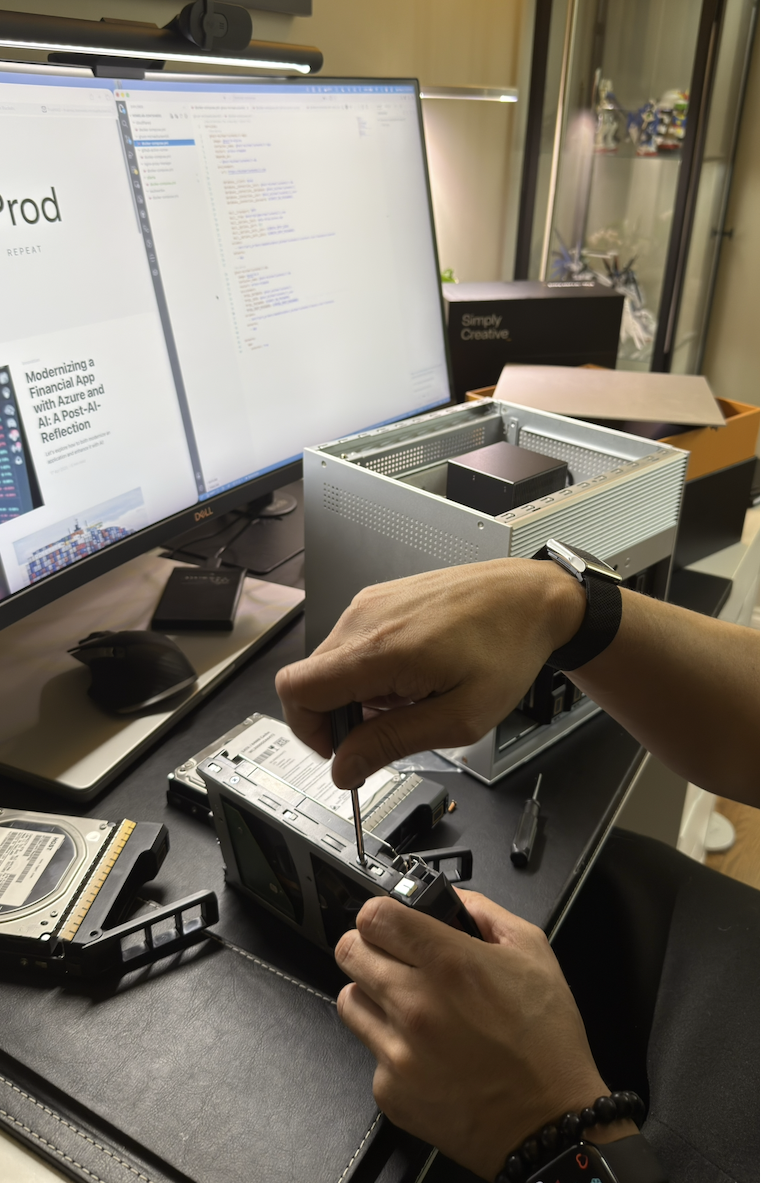
The ZimaCube 2 reduced a lot of the fragmentation that existed in my previous setups.
Power, Noise, and Operational Efficiency
One of the most important things for me is how quiet the system is.
Compared to older rack servers, the difference is massive.
Benefits include:
- low power usage
- low heat output
- quiet operation
- practical 24/7 runtime
- compact footprint
This makes it realistic to operate continuously in a home environment without feeling like enterprise hardware invaded the room.
The ZimaCube 2 feels like one of the first compact systems I’ve used that can realistically bring together:
- storage
- containers
- networking
- automation
- backups
- local AI experimentation
into one manageable platform.
Why the ZimaCube 2 Stands Out
What impressed me most is that the ZimaCube 2 feels like:
a practical infrastructure platform designed by people who actually understand modern homelab workloads.
It combines:
- storage
- compute
- expandability
- repairability
- efficiency
- quiet operation
- modern connectivity
without becoming:
- oversized
- proprietary
- noisy
- overcomplicated
That balance is difficult to get right.
Final Thoughts
The ZimaCube 2 solved several problems for me simultaneously:
- infrastructure consolidation
- storage flexibility
- Docker hosting
- ZFS support
- future expandability
- power efficiency
- operational simplicity
- local AI experimentation
For the first time in a long time, I feel like I have a true all-in-one server.
A real platform for:
- self-hosting
- containers
- storage
- infrastructure experimentation
- local AI
- future GPU workloads
- modern operational engineering
The ZimaCube 2 feels less like a traditional NAS and more like a compact infrastructure platform built for where modern homelabs are heading:
- storage
- containers
- automation
- networking
- local AI experimentation
all living together in one system.
I’m excited to continue building on it as part of the Pioneer Program.
Disclosure
Zima provided the ZimaCube 2 to me as part of the Pioneer Program in exchange for sharing my real-world experience with the device.
They did not ask for a scripted review or require positive feedback. The opinions in this article are my own based on how the system performs in my actual homelab and self-hosted infrastructure environment.